










Secure Checkout | Pay Over Time with Klarna | Questions? Call (305) 721-0459
Your payment information is processed securely. We do not store credit card details nor have access to your credit card information.
Print. Cut. Engrave. One Compact Machine.
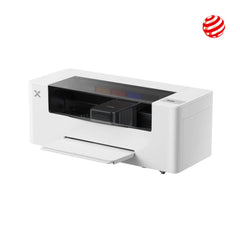
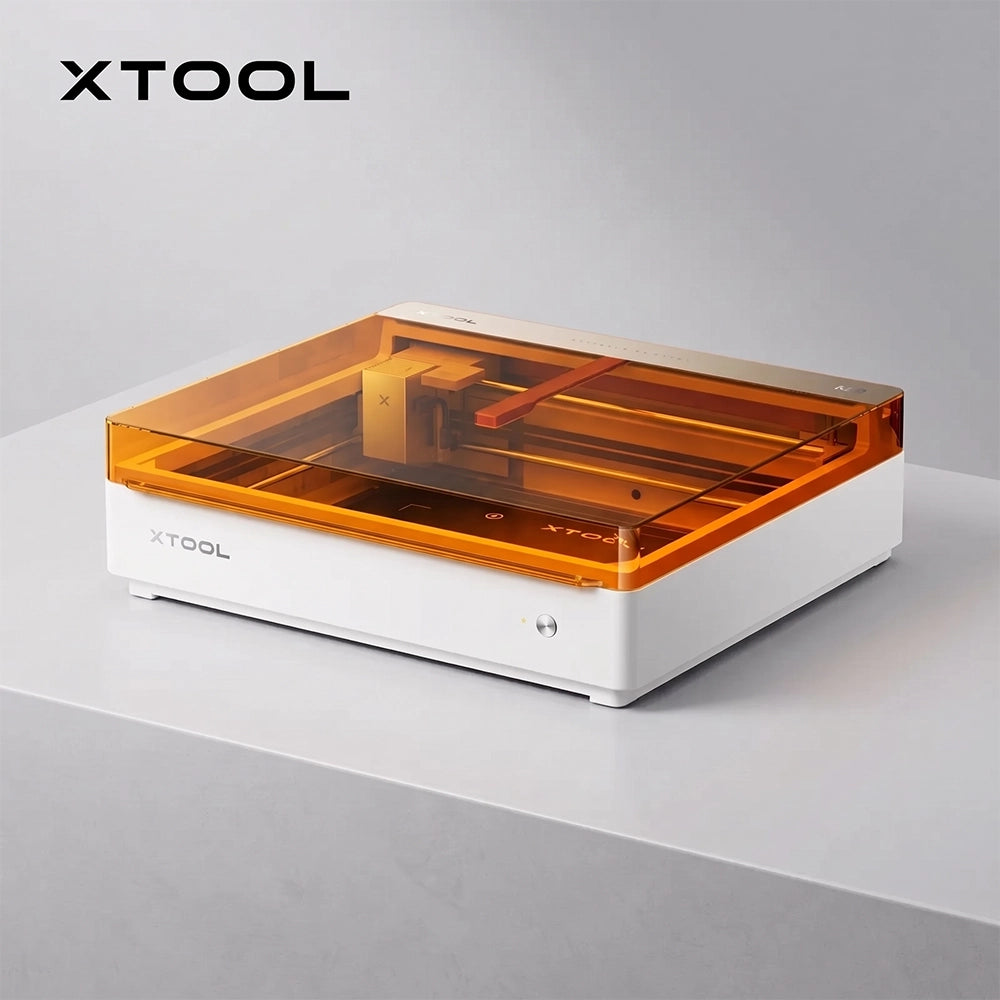
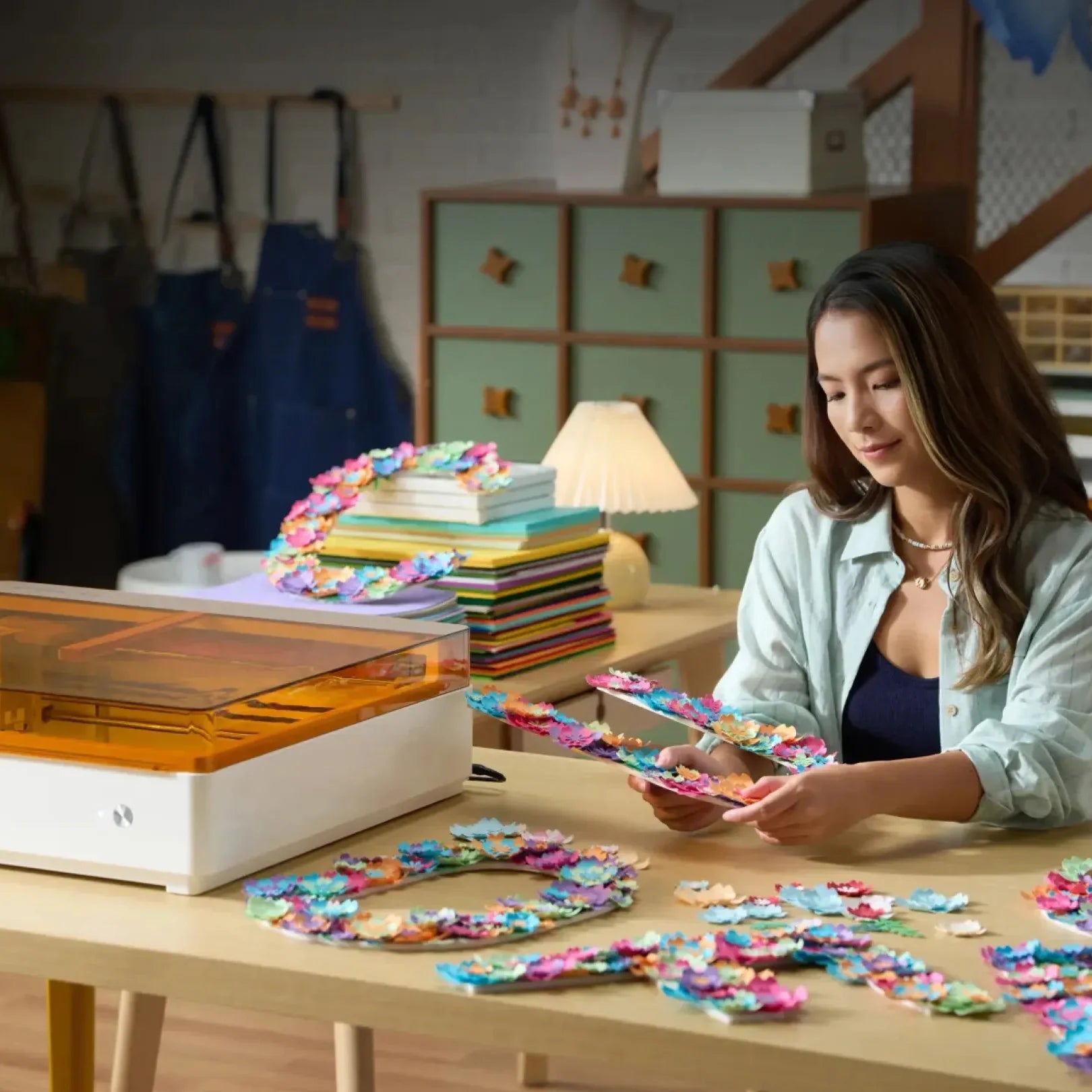
The xTool M2 is a desktop craft laser with optional built-in color printing. Design once, then print, cut and engrave on 300+ materials, from cardstock, felt and fabric to wood, leather and acrylic. It is made for makers, hobbyists and small businesses that want professional-looking custom products without a workshop full of equipment.
Key Features
Print & Cut in One Workflow
Add the CMYK inkjet module to print full-color designs, then switch to the laser to cut them out. The dual cameras keep print and cut aligned, so there is no manual registration and no moving the material between machines.
Dual Cameras and Place & Go
A real-time camera view shows exactly where your design lands on the material. xTool's ACS™ workflow combines camera vision with motion control for fast, accurate positioning.
Choose Your Power
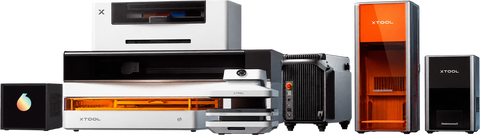
Pick a 10W or 20W blue diode laser, and expand later with the 3W IR module and the CMYK inkjet module. The machine grows with your projects.
360° Cylindrical Engraving
Engrave cylindrical items from 0 to 100 mm in diameter, with no riser base required.
Class 1 Enclosed Design
The enclosed structure shields you from laser radiation during normal operation, and the built-in adjustable air assist pump delivers cleaner cuts with no extra accessory.
xTool Studio Software
One app for design, layout and machine control, with a library of 1,300+ materials and 110,000+ tested parameter combinations, plus 3,000+ design elements and 1,500+ fonts. Supported files: SVG, DXF, JPG, JPEG, PNG, BMP, TIF, PDF and PDS.
What You Can Make
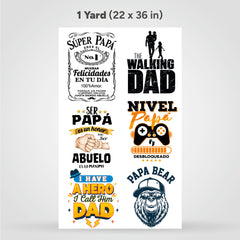
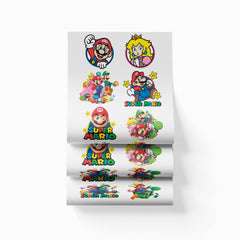
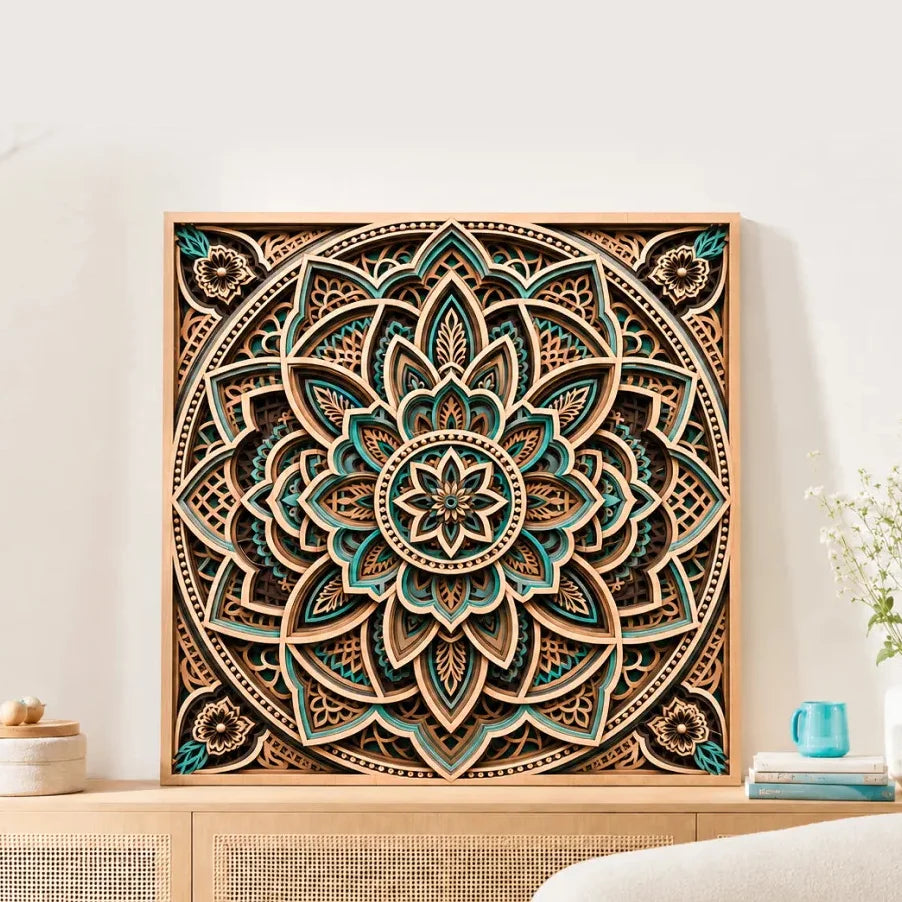
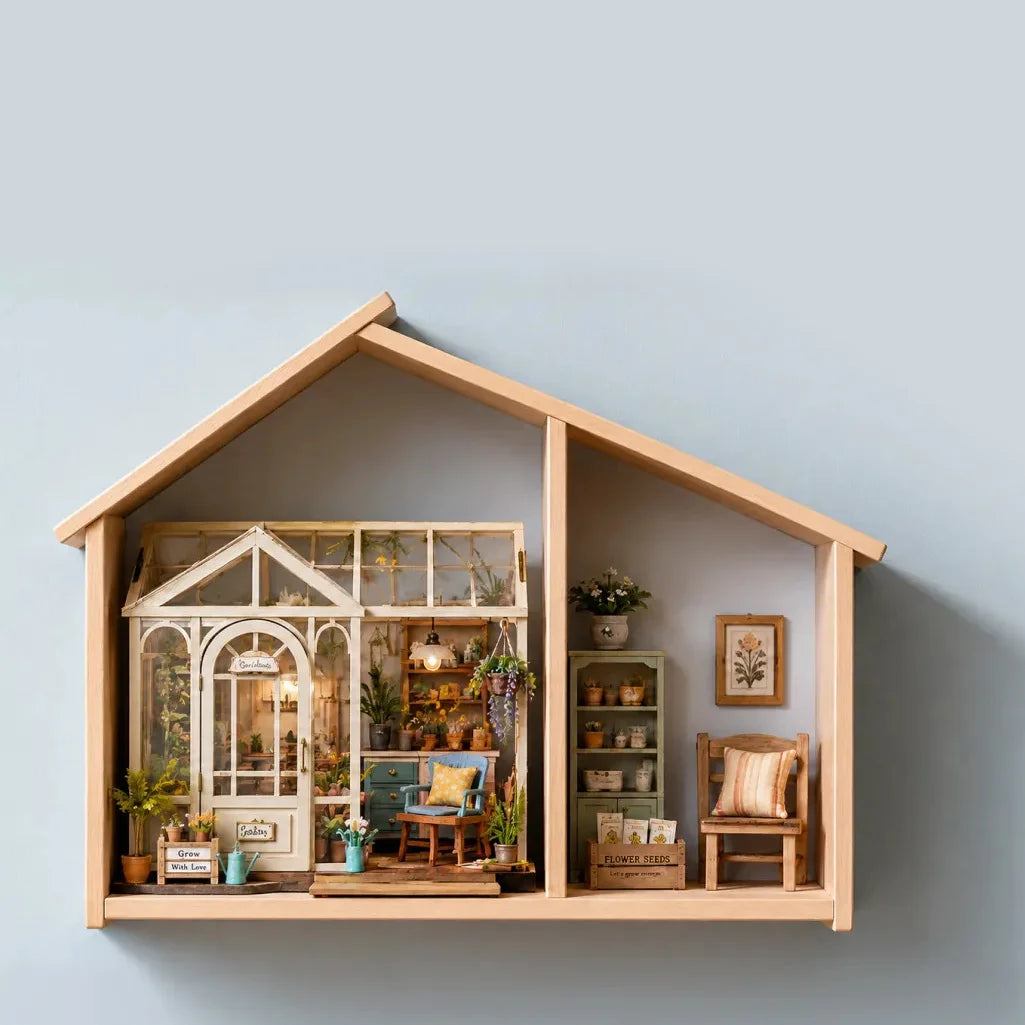
Stickers and labels, keychains, door signs, cake toppers, personalized gifts, wood and acrylic projects, felt and fabric crafts, engraved cylindrical products and small-batch custom items.
Choose Your Setup
Select your Machine Power (10W or 20W) and Package (Standalone, Color Print & Cut Bundle or Deluxe Bundle) above. The Color Print & Cut Bundle adds the CMYK inkjet module and ink cartridge needed for print-and-cut projects. Not sure which one fits? Call us at (305) 721-0459.
Specifications
| Specification | Details |
|---|---|
| Laser Options | 10W or 20W blue diode; 3W IR module available |
| Printing Module | CMYK inkjet (CMY up to 1,280 pages each, K up to 1,080 pages) |
| Cameras | Dual-camera system |
| Cylindrical Engraving | 0-100 mm, no riser base needed |
| Compatible Materials | 300+ |
| Air Assist | Built-in adjustable pump |
| Software | xTool Studio |
| Supported Files | SVG, DXF, JPG, JPEG, PNG, BMP, TIF, PDF, PDS |
| Laser Safety | Class 1 (enclosed) |
| Add-ons | RA3 Lite, WonderPress, 20W Diode Module, 3W IR Module, CMYK Inkjet, Screen Printer, Desktop Air Purifier |
Good to Know
Material compatibility depends on the module you use. Always verify the material before processing. xTool advises against laser processing PVC, PC, and leather or foam of unknown composition. Specifications come from xTool and may vary by setup and material.
Features
Craft, Print and Cut Without Limits
One compact machine for gifts, signs, stickers, keychains and small-business products.
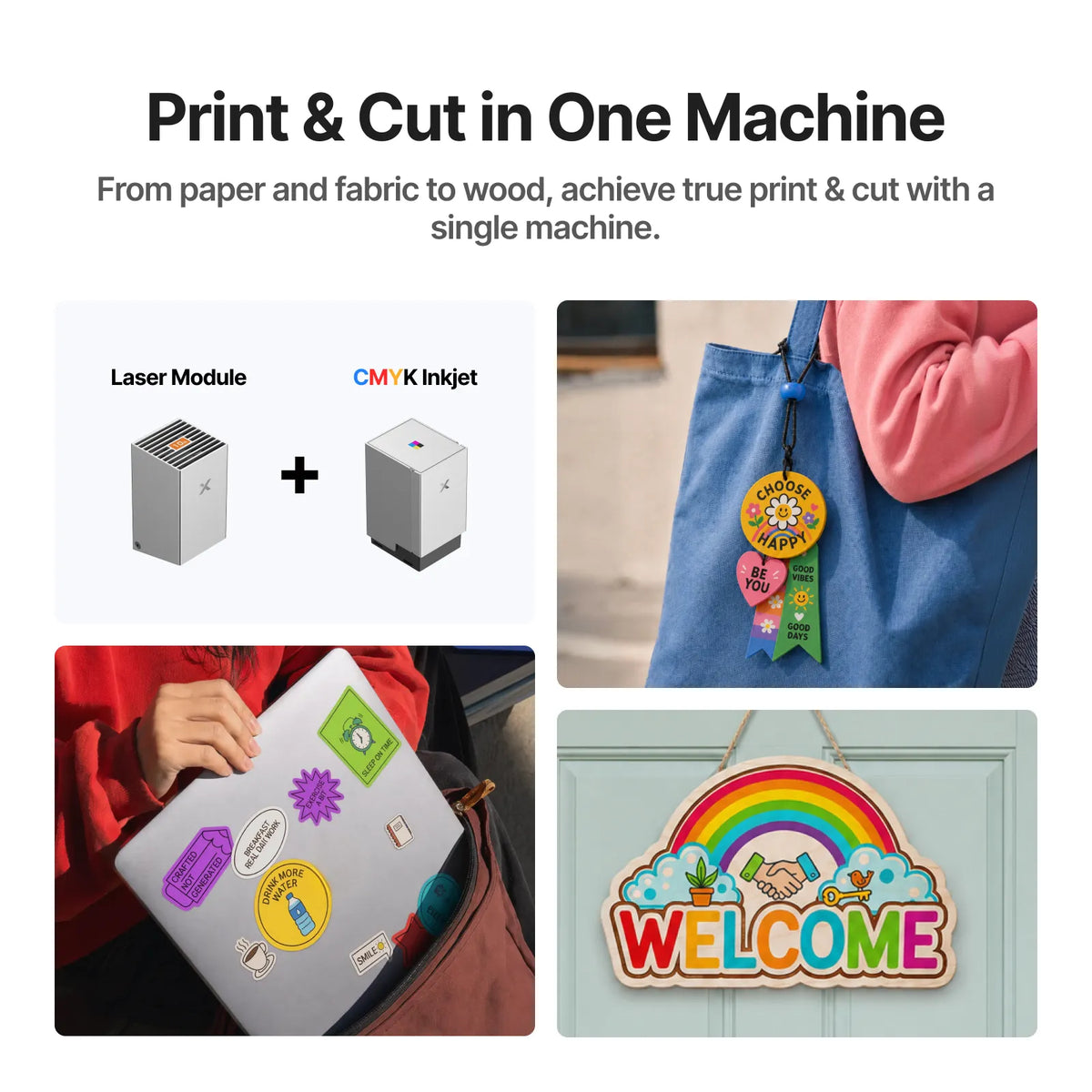
Print & Cut in One Machine
Print full-color designs on wood, paper, acrylic and fabric, then cut them in the same workflow with no device switching or manual alignment.
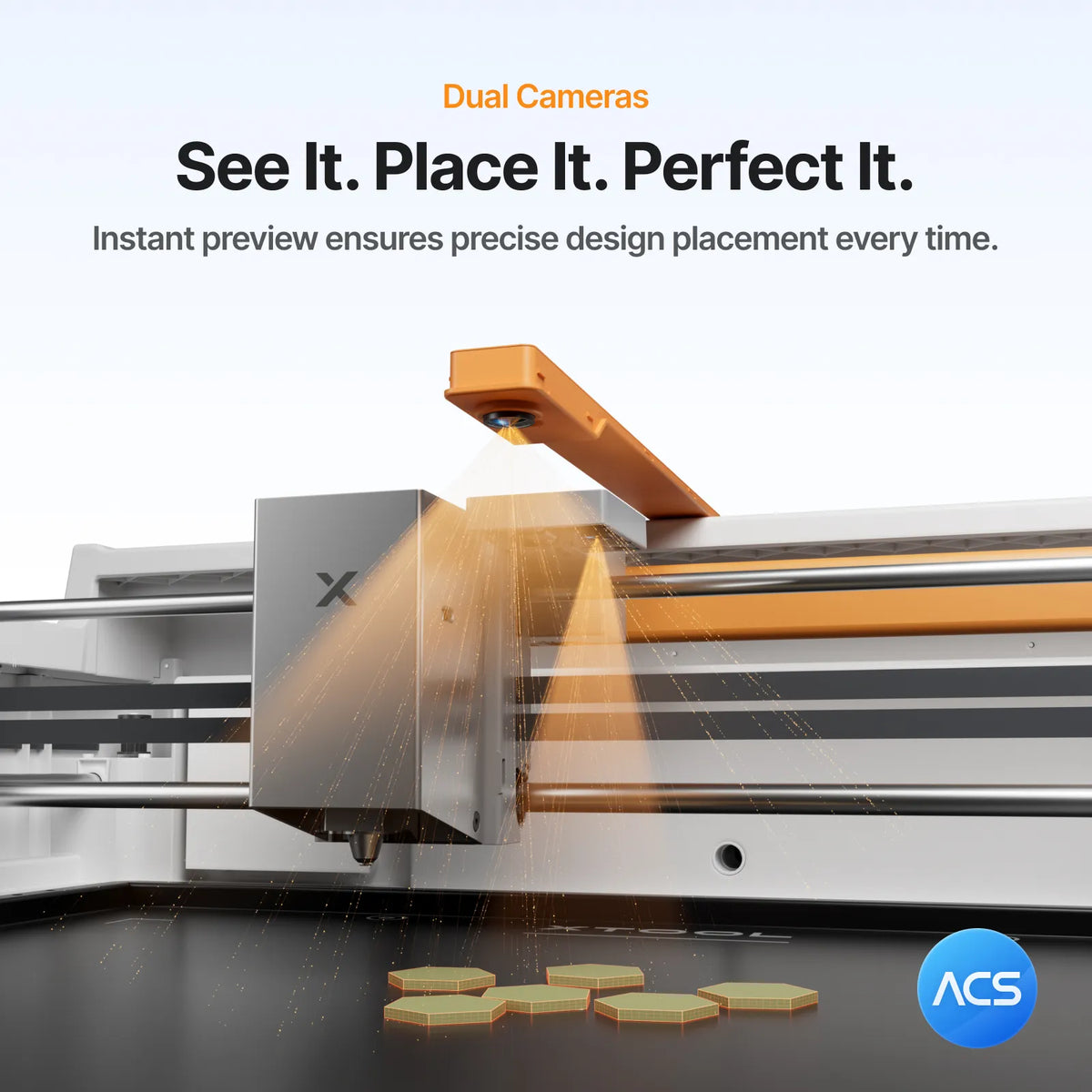
Dual Cameras, Place & Go
Real-time preview and positioning with the ACS™ intelligent workflow keep every layout precise.
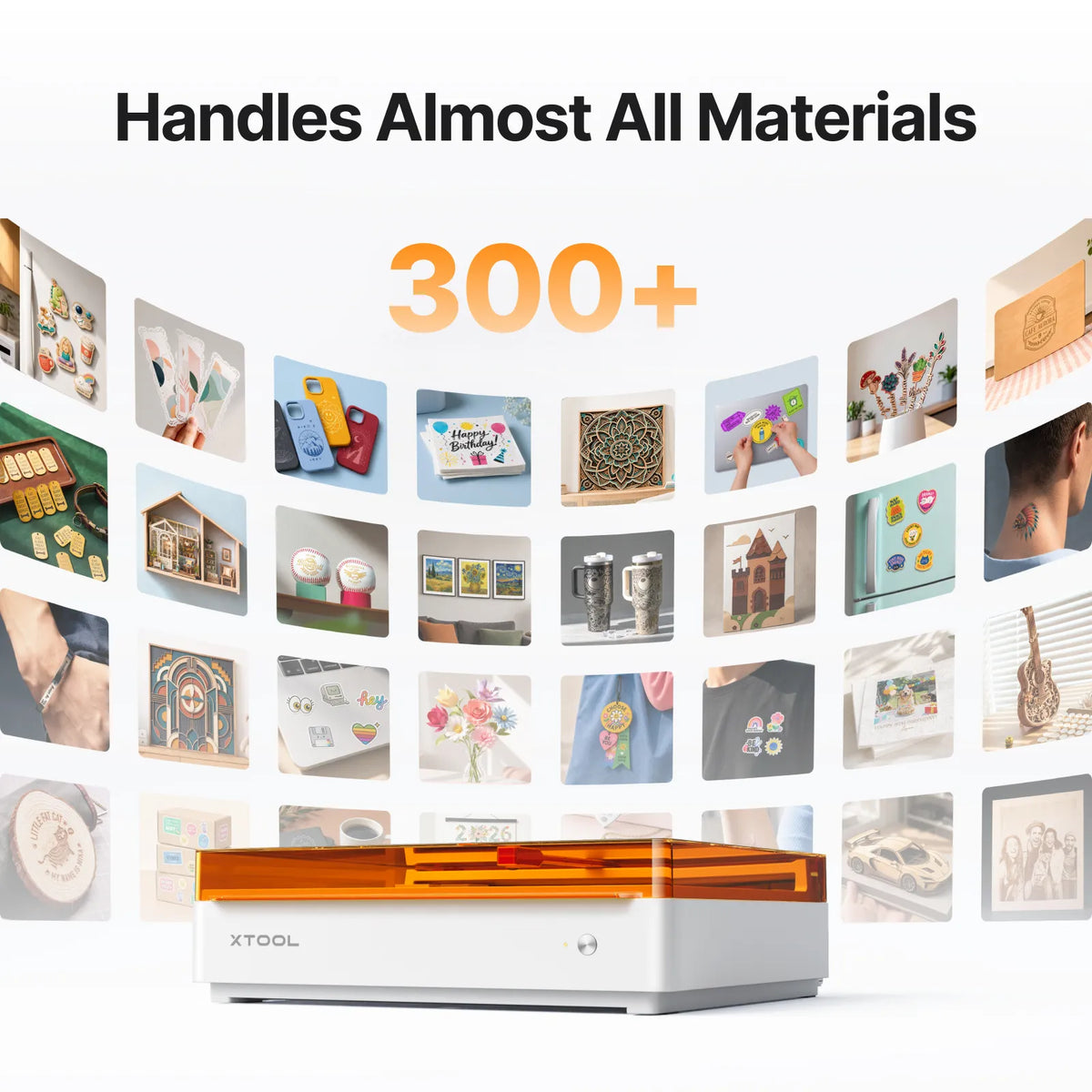
One Machine, 300+ Materials
Paper, felt, fabric, wood, leather, acrylic and more: personalized gifts, signs, stickers and small-business products.
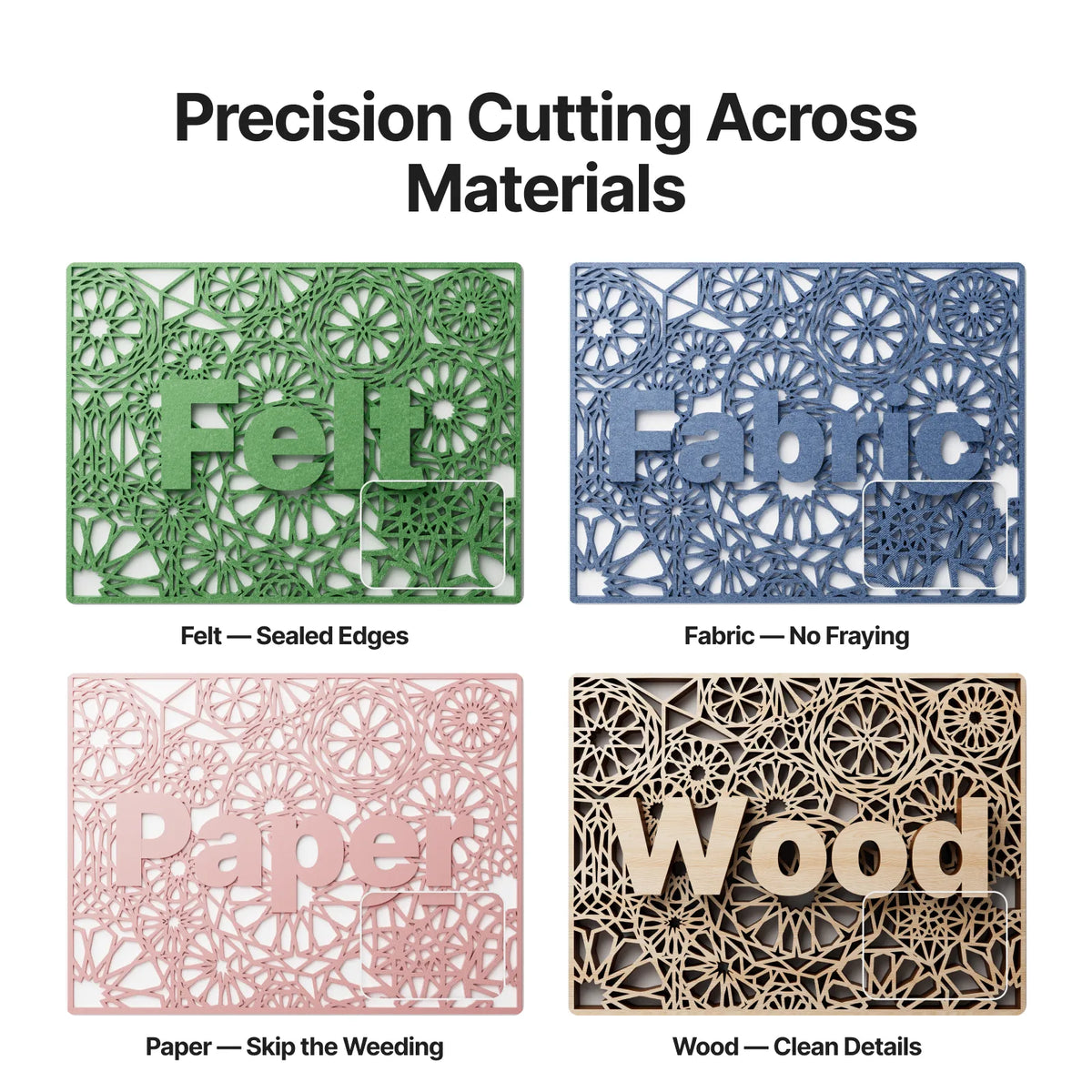
Precision Cutting, No Weeding
Intricate cuts skip weeding on paper, felt edges seal, fabric does not fray and wood keeps clean detail.
From Idea to Finished Piece
Design, preview, print and cut in a single workflow.

Design
Start with templates, the design library or your own files in xTool Studio.

Preview & Place
Dual cameras show a live preview of your workspace for precise placement.

With the CMYK inkjet module, print your full-color design.

Cut & Engrave
Switch to the laser to cut and engrave, and watch progress live on camera.
Why the M2
Easy for beginners, capable enough for small businesses.
Flexible Ways to Invest in Your Growth
xTool M2 vs. Typical Alternatives
Typical cutting machine
xTool M2
Typical open-frame diode laser
Specifications
Laser & Printing
- Laser Options
- 10W or 20W blue diode, 3W IR
- Printing Module
- CMYK inkjet
- Ink Yield
- CMY up to 1,280 pages each; K up to 1,080 pages
- Cylindrical Engraving
- 0-100 mm
Vision & Software
- Cameras
- Dual-camera system
- Software
- xTool Studio
- Supported Files
- SVG, DXF, JPG, JPEG, PNG, BMP, TIF, PDF, PDS
- Material Library
- 1,300+ materials
Safety & Workflow
- Laser Safety
- Class 1 enclosed
- Air Assist
- Built-in adjustable pump
- Compatible Materials
- 300+
- Setup
- Pre-assembled, no complex assembly
Accessories
- Available Add-ons
- RA3 Lite, WonderPress, 20W Diode Module, 3W IR Module, CMYK Inkjet, Screen Printer, Desktop Air Purifier
Frequently Asked Questions
Not directly. Those surfaces need a suitable ink-receptive coating first. The module prints on wood, paper, acrylic and fabric.
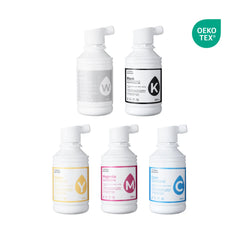
At 5% coverage a cartridge yields roughly 400 to 800 pages depending on ink concentration. Cartridges are not refillable, so buy a new cartridge when needed.
No. The horizontal output engraves cylindrical objects from 0 to 100 mm without a riser base.
No. The M2 has a built-in adjustable air assist pump. External air ports and third-party pumps are not supported.
The xTool Desktop Air Purifier for regular use, or the SafetyPro AP2 for frequent cutting or strong odors.
Use a metal honeycomb base or a hollow wooden base plate.
Paper, fabric, wood, leather, acrylic, metal and more, depending on the module. Do not laser PVC, PC or leather and foam of unknown composition.